
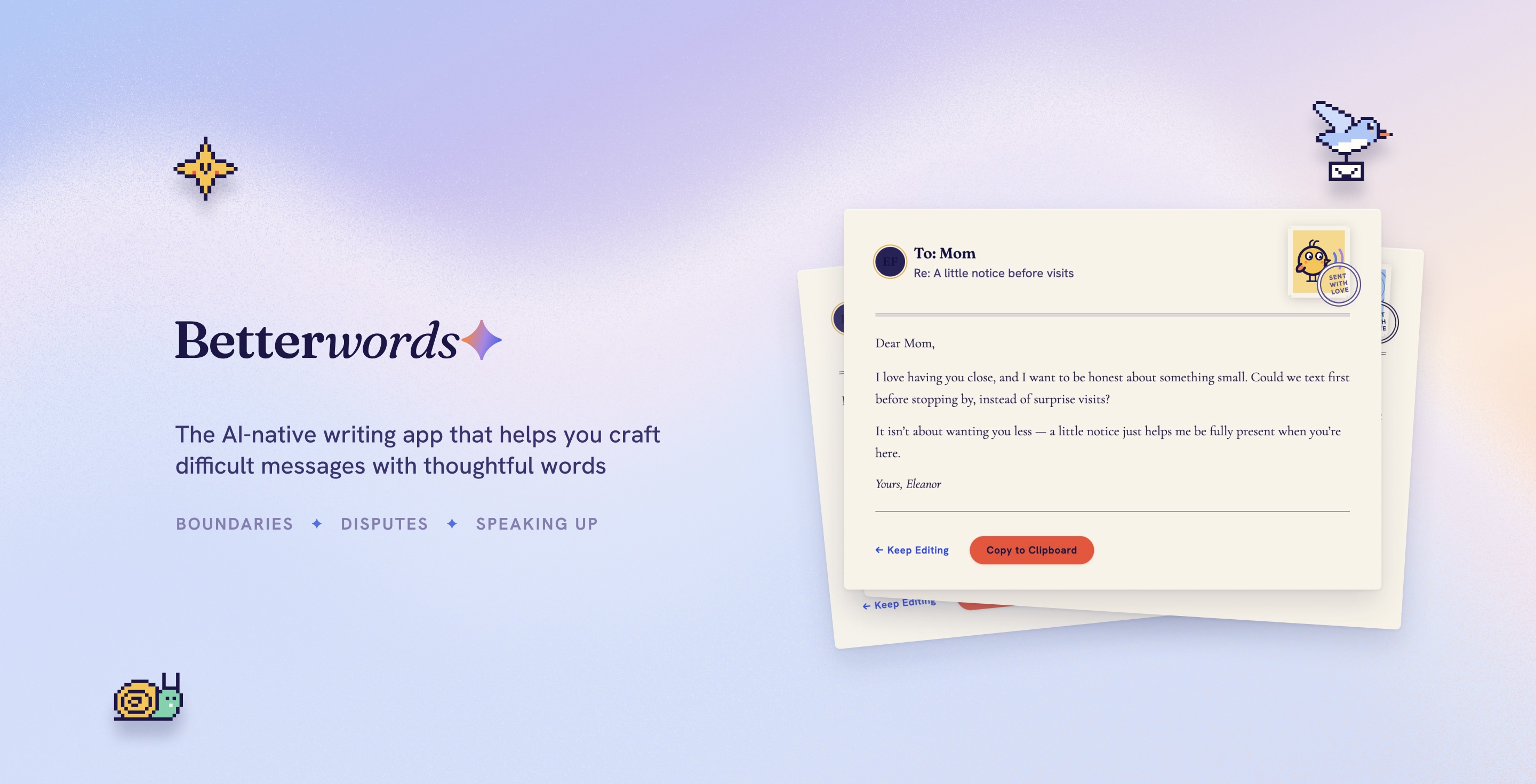
Betterwords.ai is a creative writing app that helps people craft difficult messages. It's a calm, end-to-end writing companion for the delicate messages that people struggle the most — setting a boundary, disputing a charge, speaking up — and it helps user to visualize how each way of saying it is likely to land.
I designed and implemented the AI-powered application myself through a combination of hands-on design tools, vibe-coding, coding myself and configuring the full-stack app on AWS. The web app is live and the mobile app is coming soon. Check out Betterwords at: https://betterwords.ai/
My Role
Sole Product Designer and Developer, launched a 0->1 product from ideation to delivery
Team
Myself
Tools
Claude Code, Claude Design, OpenAI API, AWS, Supabase, Figma, Pen & Paper
Duration
On-going
PROJECT BACKGROUND
Why is it difficult to say the hard things?
Messages that involve conflict, disagreement, or self-advocacy (like correcting someone, setting a boundary, pushing back, or asking for what you need) tend to trigger strong emotional and social pressure. This shows up across emails, texts and phone calls, and takes place in many personal and professional situations.
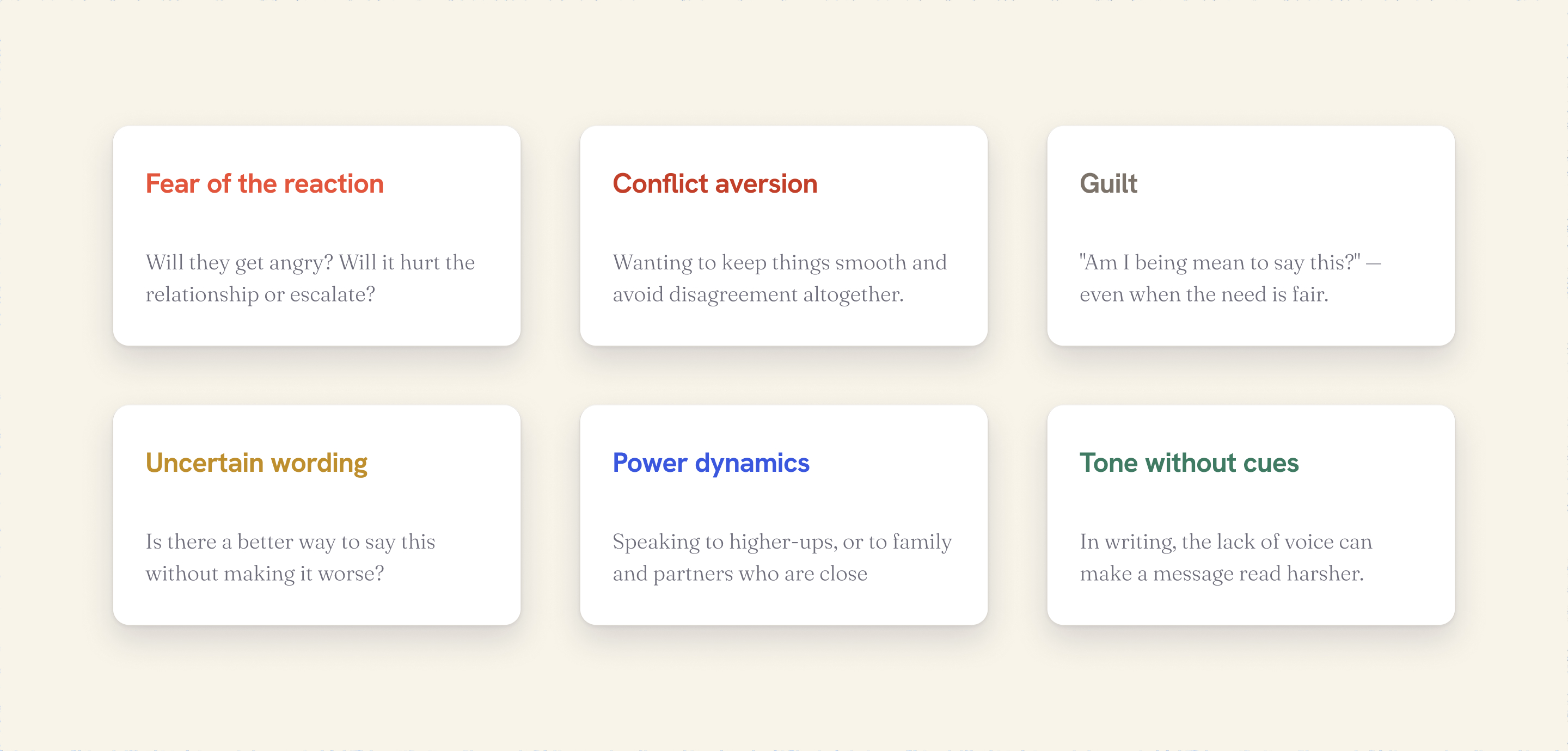
The messages often sit in drafts for predictable reasons — fear of the reaction, conflict aversion, uncertainty about wording, power dynamics, guilt, and the fact that text strips away vocal cues so a message can read harsher than intended.
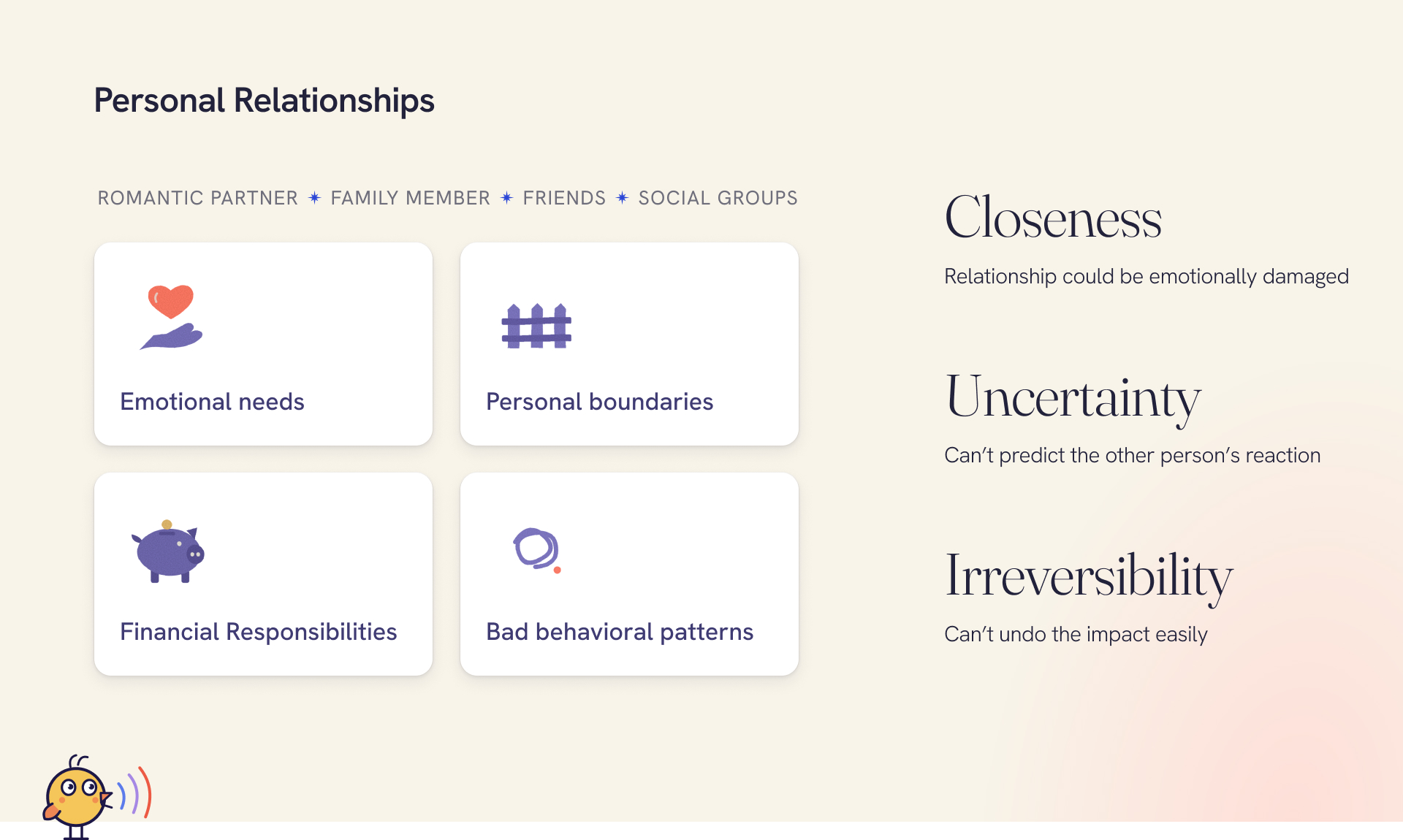
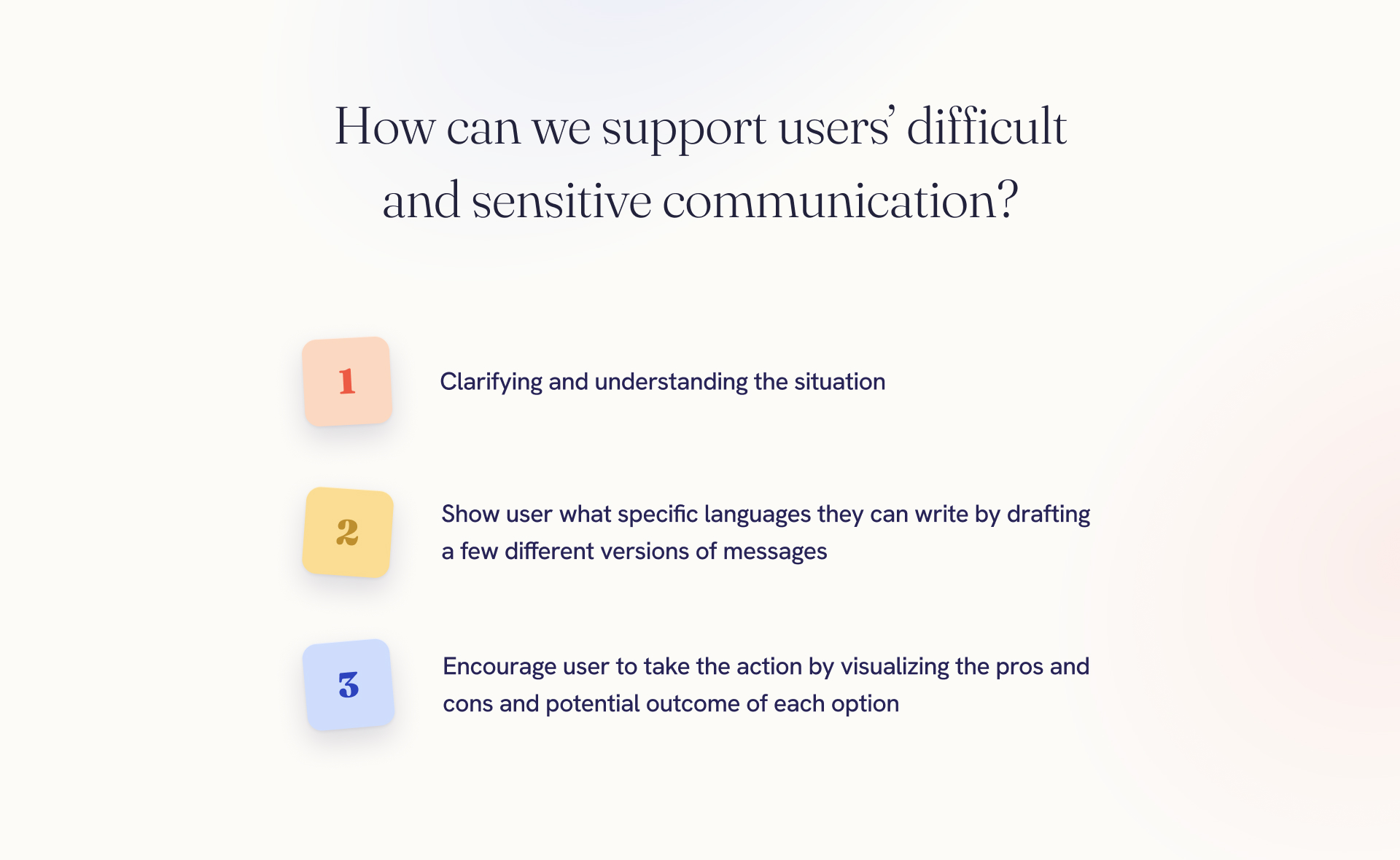
There are many contexts and environments where someone face difficulty communicating their needs, defending themselves and voicing their concerns.
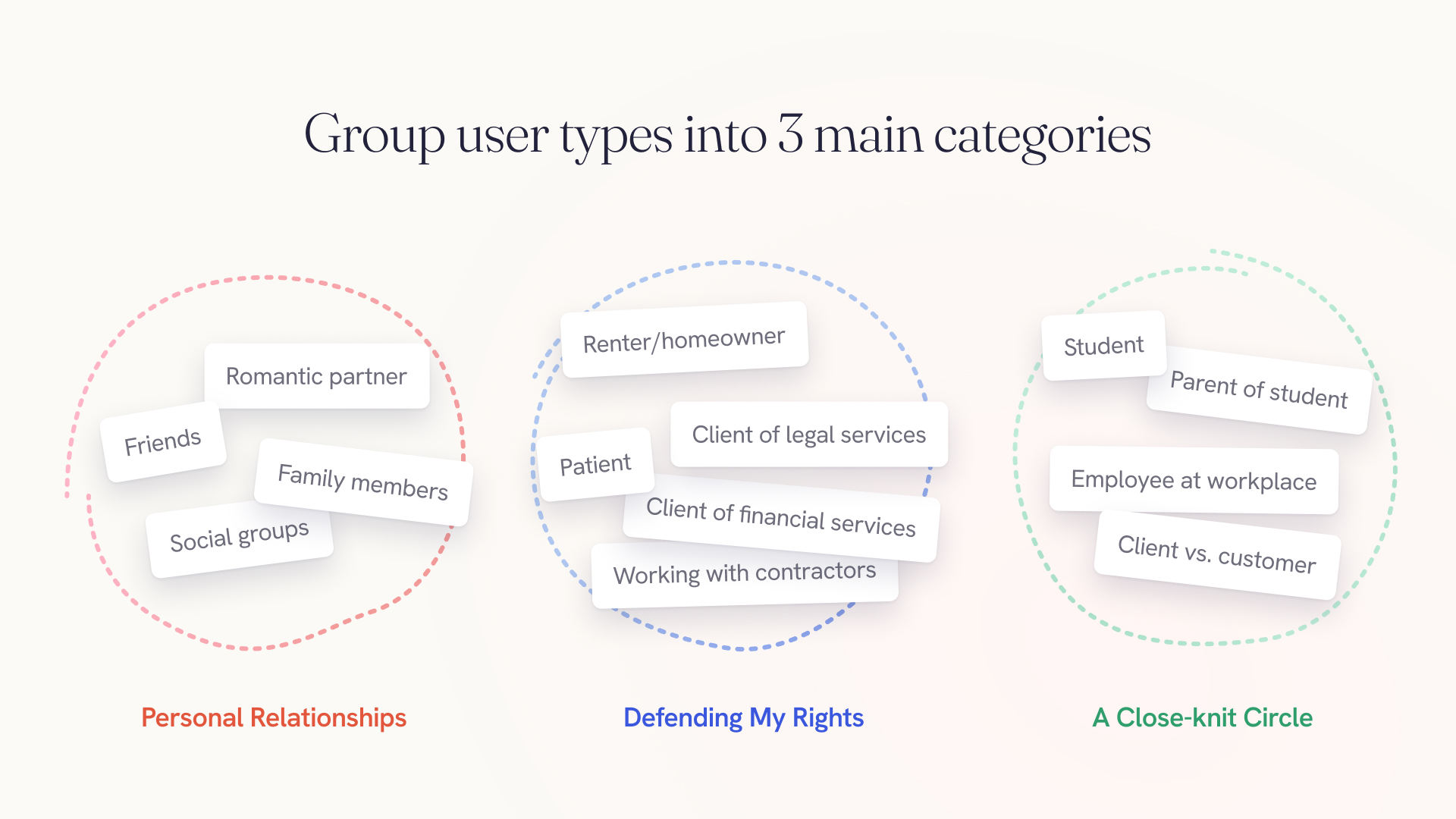
Some of the most common situations involve speaking up in close relationships, authorities, and close-knit structures.
DESIGN & IMPLEMENT
Ideating for AI-supported End-to-End User Journey
Define Scope, Context and Requirements for Claude
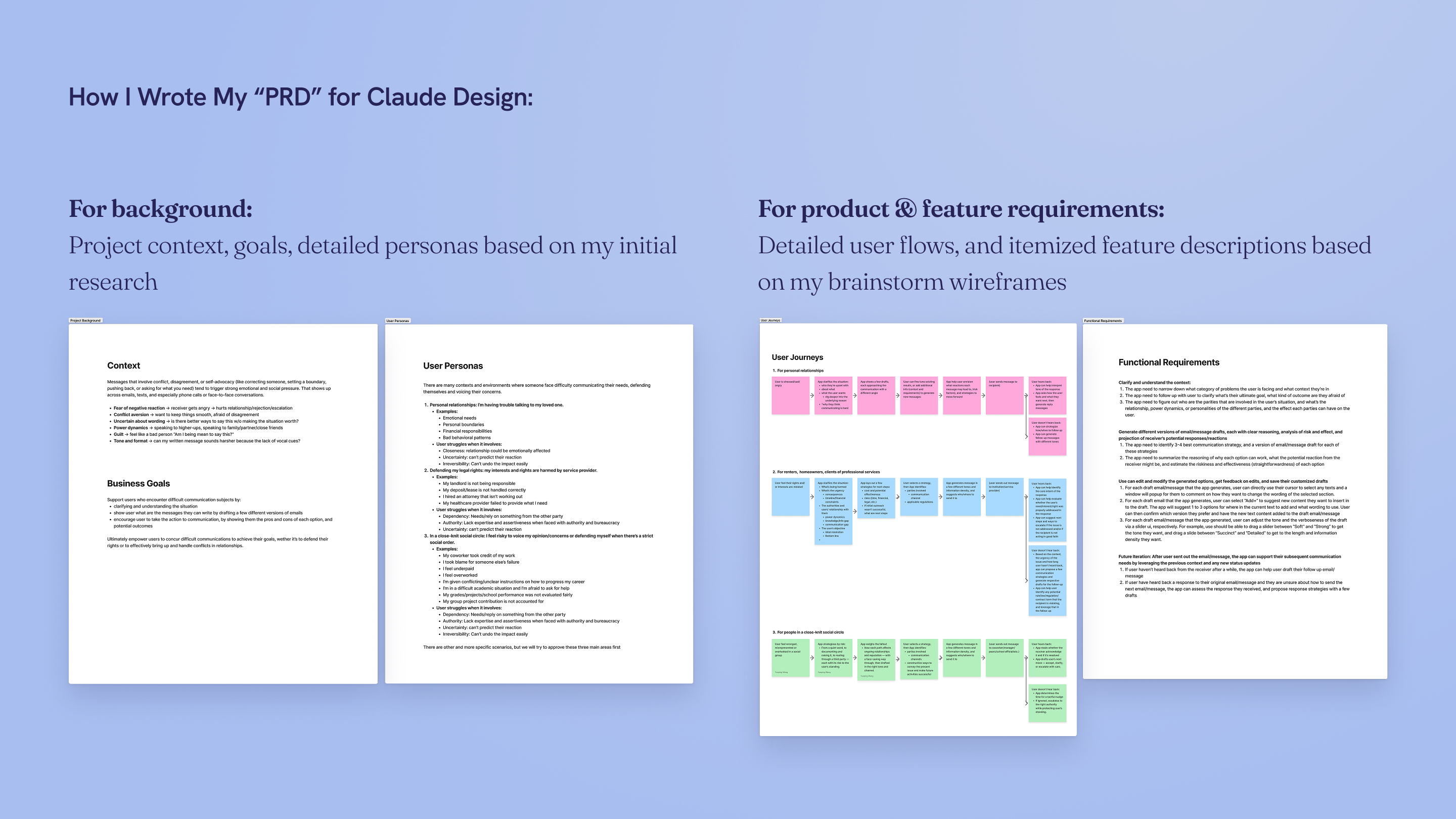
When using vibe-coding in my process, I believe the quality of AI generated design depends on how careful, detailed and thorough the PRD is prepared.
To make sure Claude focus on the right problem in the right scope, I translated my initial research and problem framing into explicit descriptions of the problem space and handpicked the most critical aspects of each category of users and scenarios.
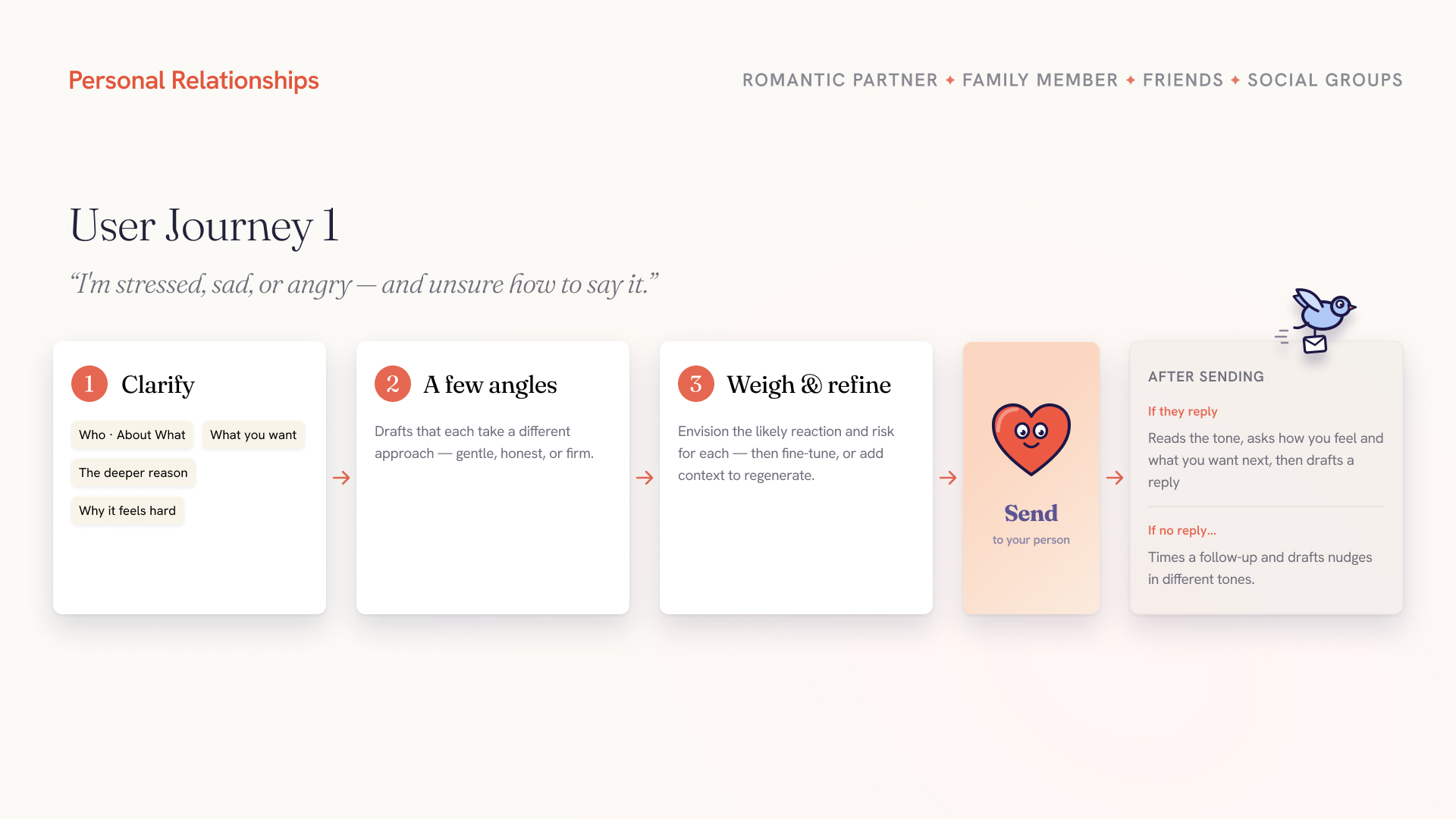
To achieve coherent user flows, I outlined 3 user journeys for each of the main categories. For design quality, to ensure the generated output addresses the key functions I have envisioned, I translated my own initial wireframes into detailed, feature-oriented descriptions of the expected user interaction and software behaviors.
Building the Design System From 0 to 1
As a 0→1 product, Betterwords is set out to have a high bar for consumer-facing design quality from the start.
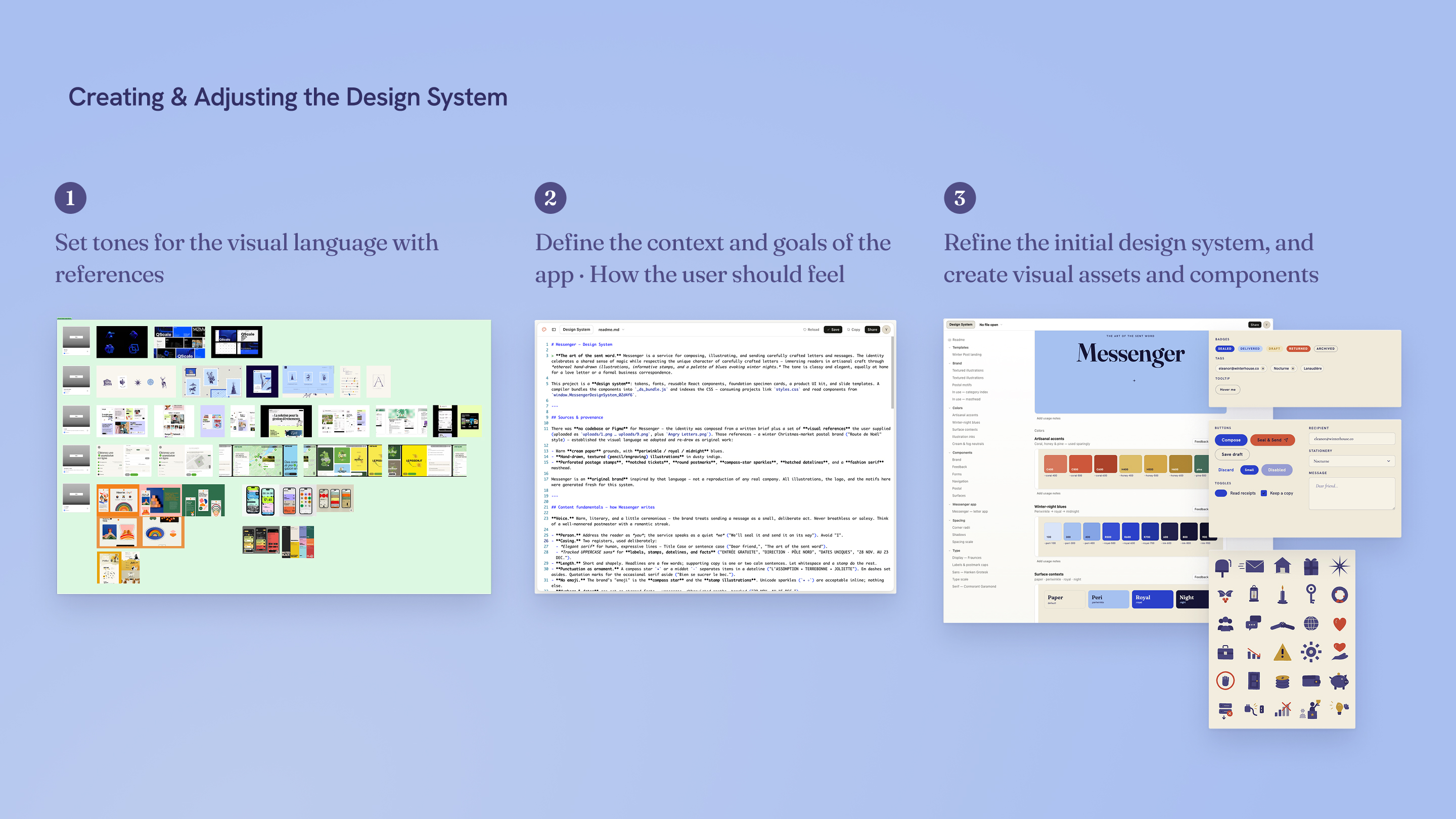
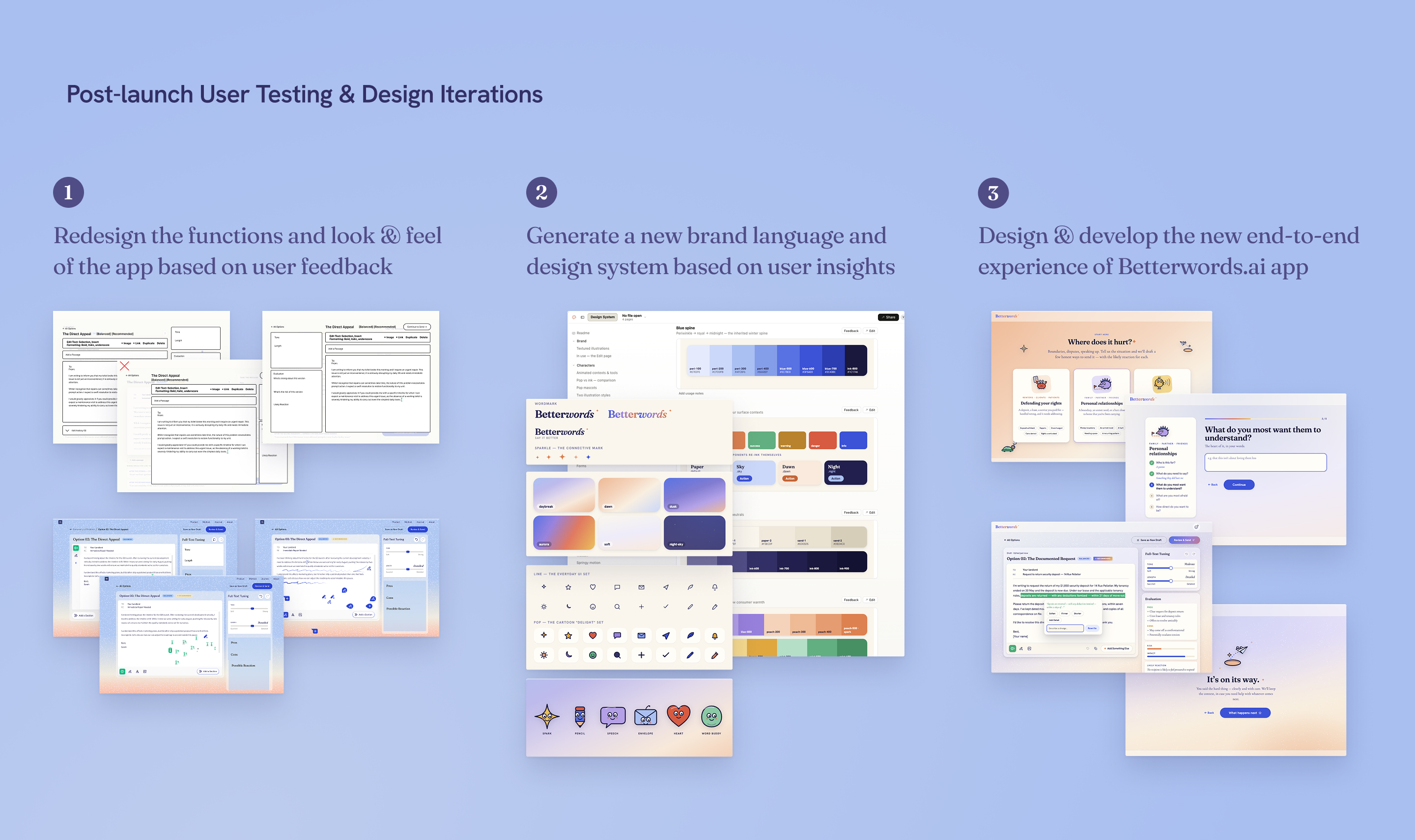
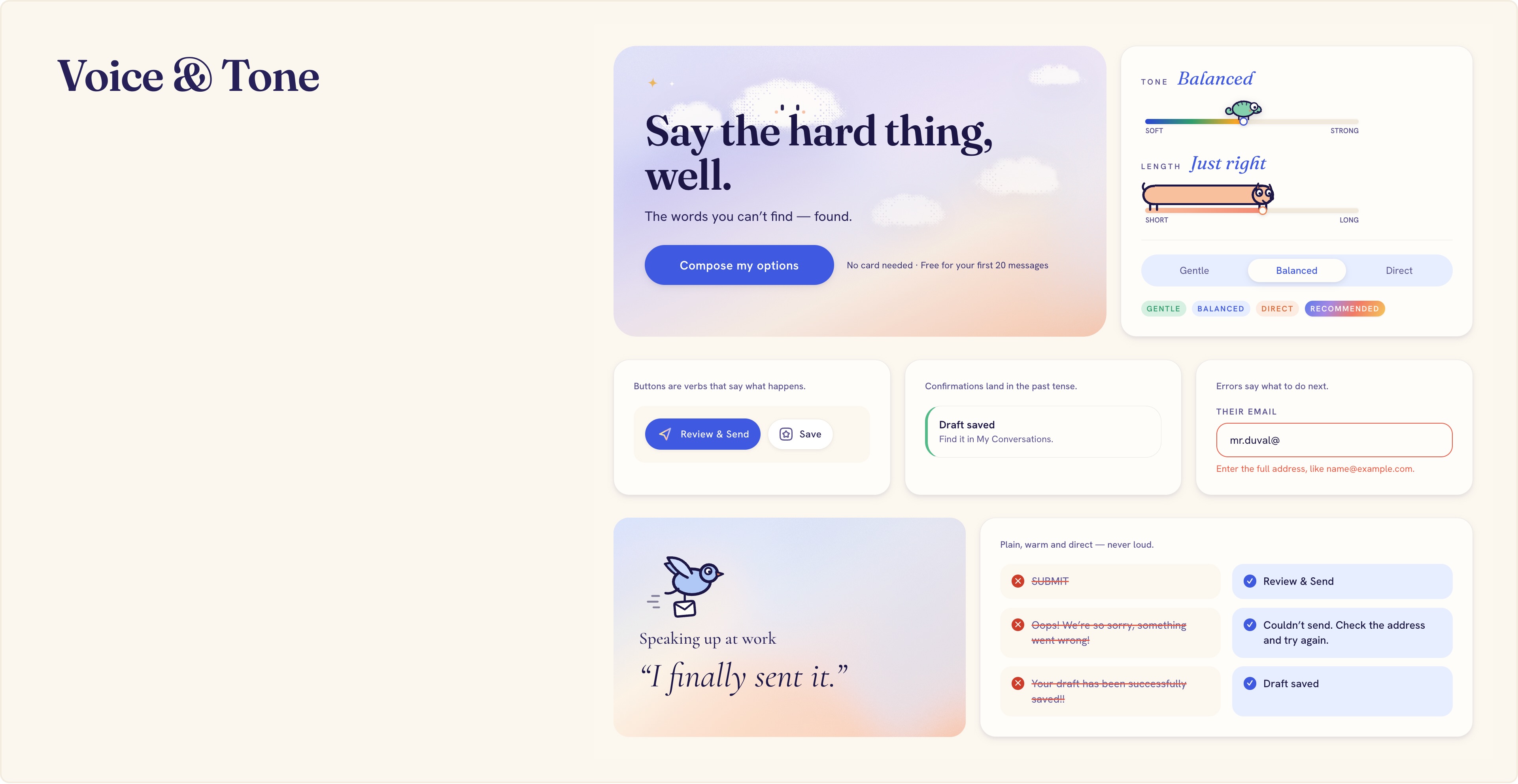
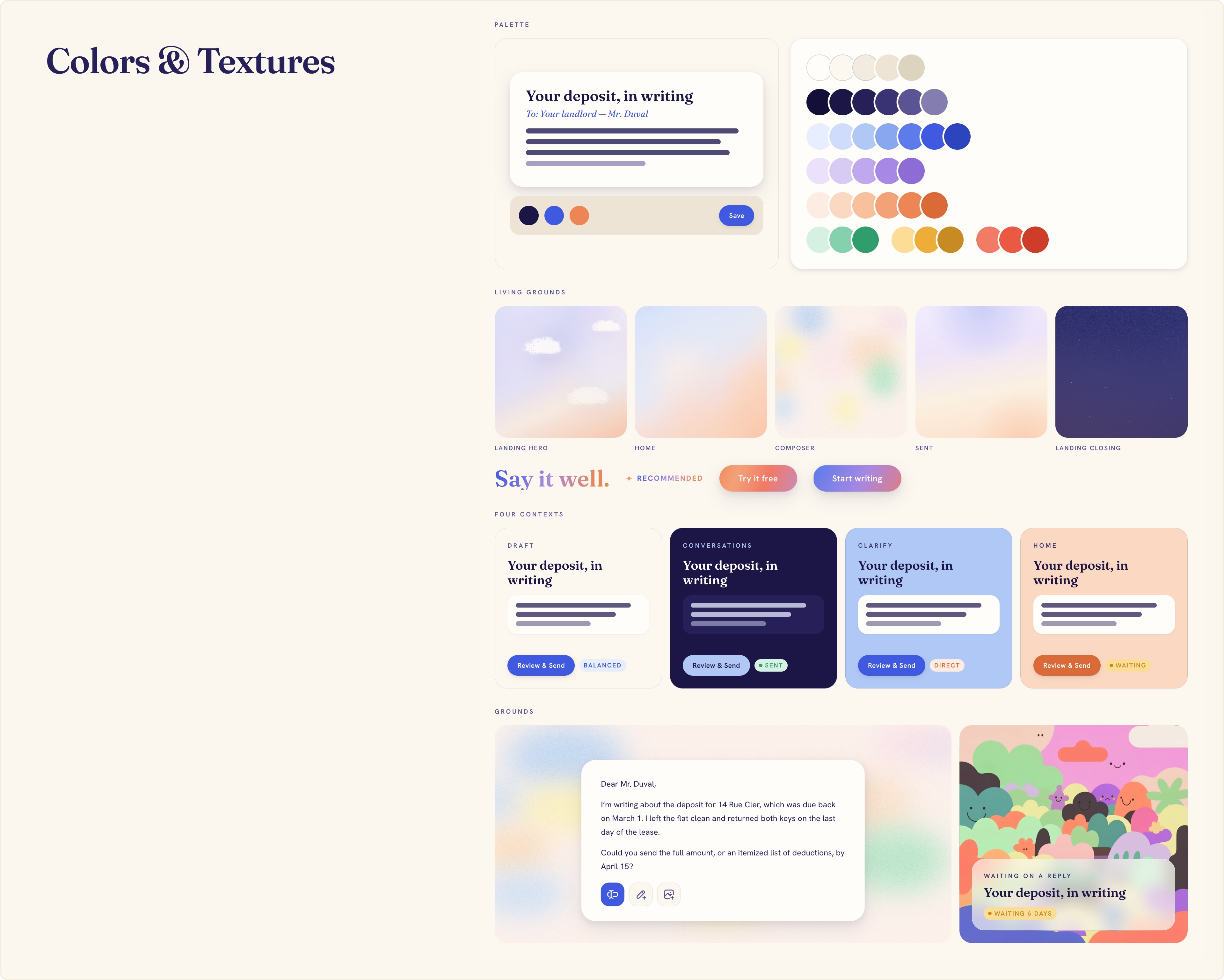
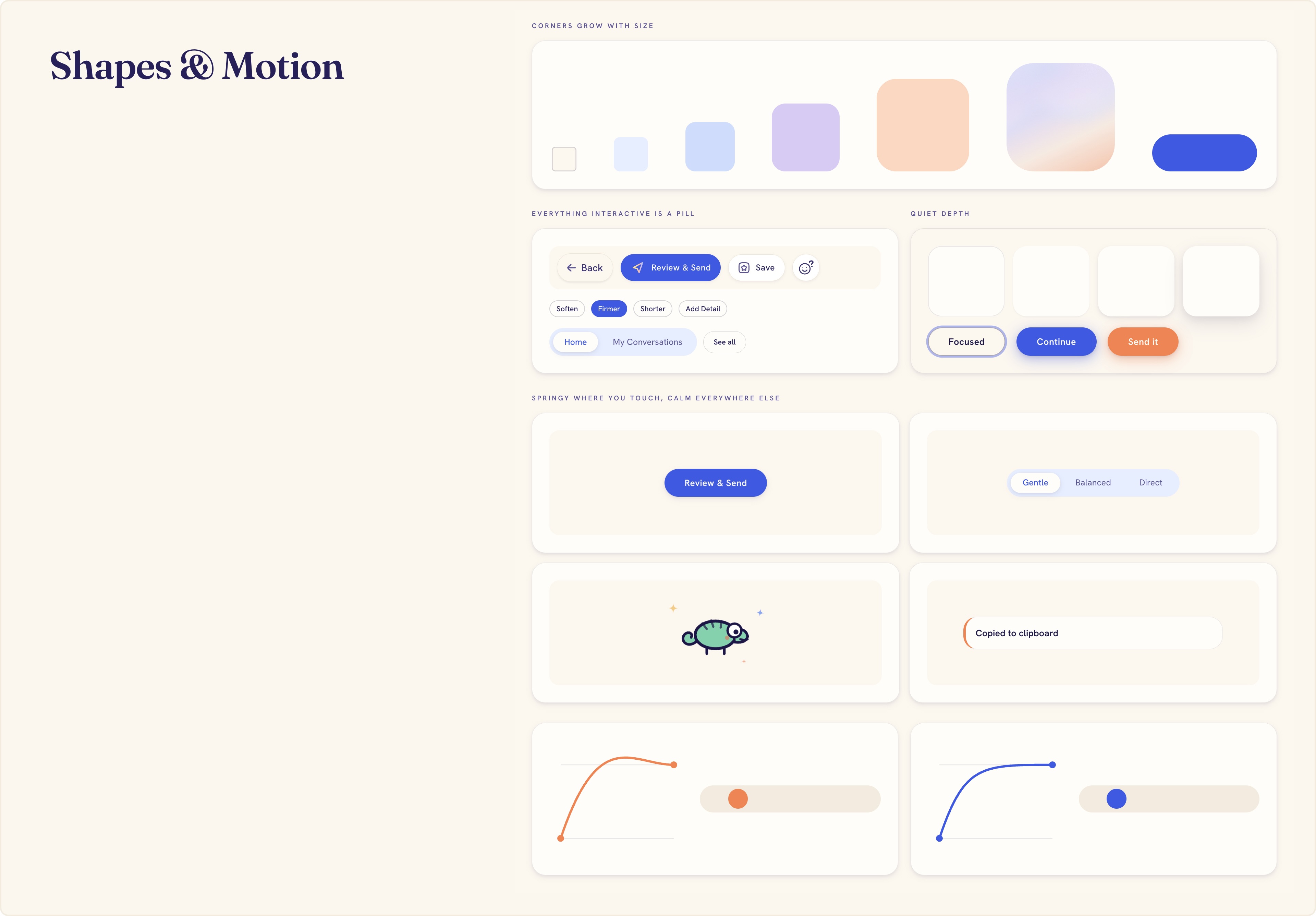
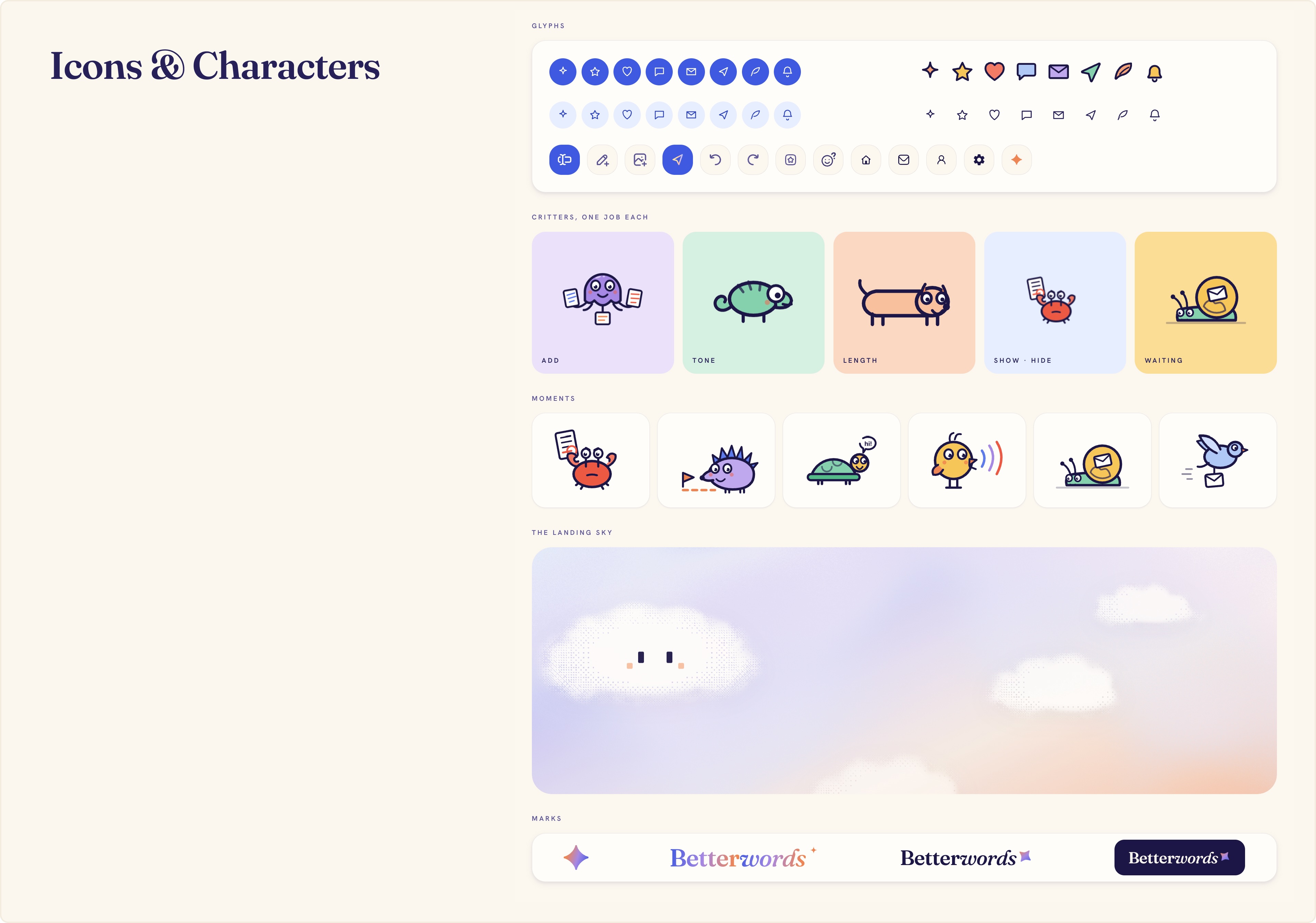
I first defined the design language and visual communication preferences, then generated UI components using Claude Design. This approach allows me to ensure a cohesive and consistent user experience from the start.
DESIGN SYSTEM
Design System Foundations
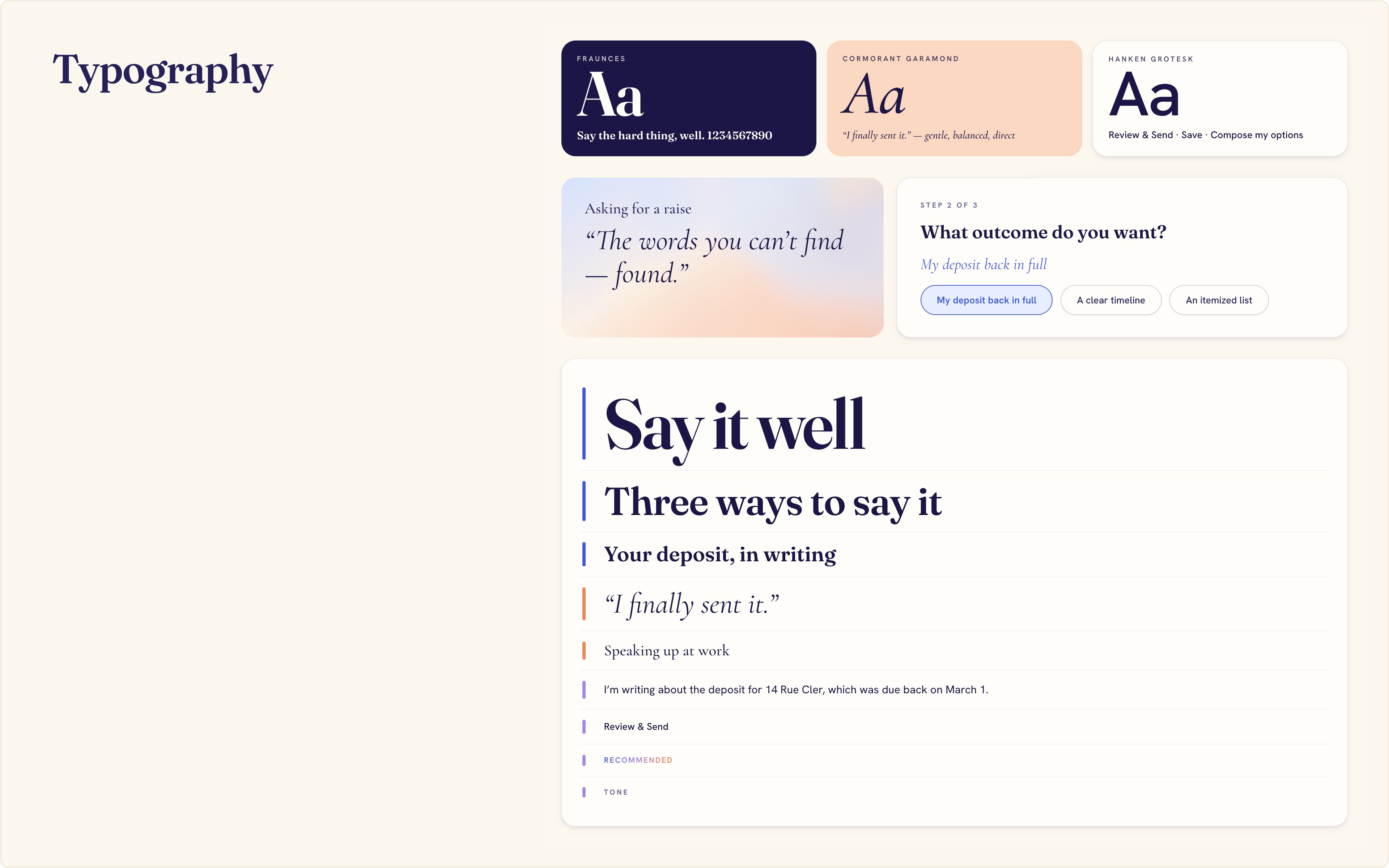
Visual & Motion Design
DESIGN OUTCOMES
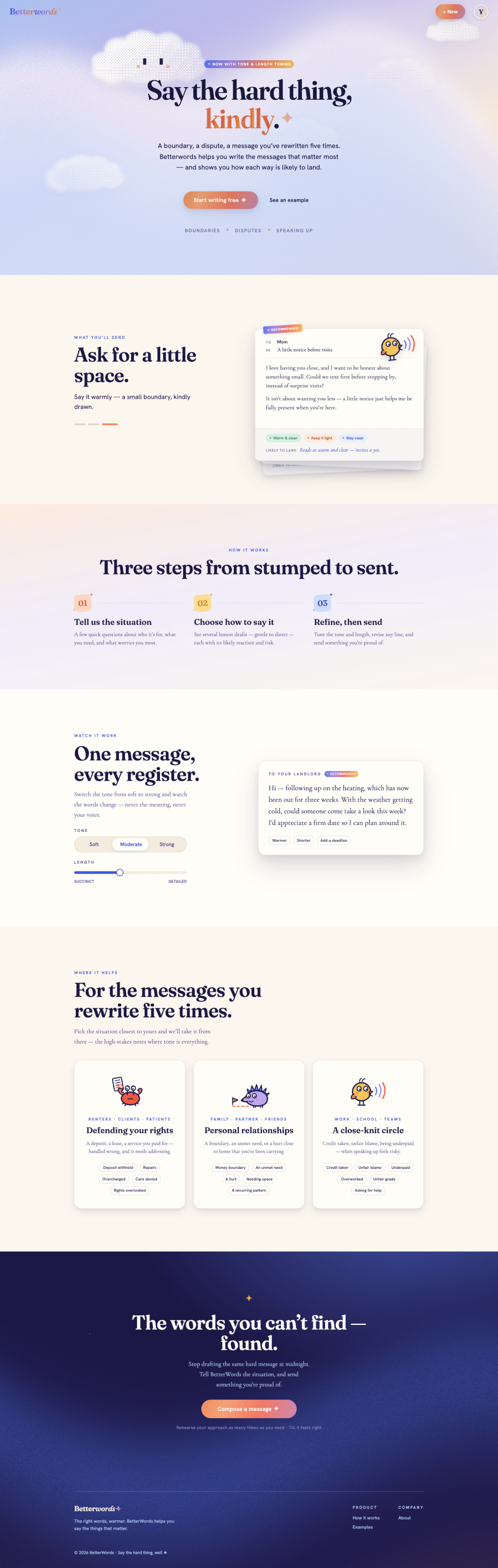
Betterwords.ai
The Betterwords.ai landing page greets the user with a calming and inviting tone. It promises on a supportive writing companion: it helps you write the messages that matter most and shows you how each way of saying it is likely to land.
Creating an Account
A simple account creation flow brings users to their customizable home page, where they can keep track of all the drafts and on-going conversations.
In Account and Settings, users can personalize their default communication styles - such as tone, length and language - and signatures.
① Clarify the Situation and Generate Drafts
A great message starts with understanding the situation. Betterwords.ai clarifies user's intent, context and concerns through a few targeted questions first.
Based on the initial input, Betterwords returns a few drafts with distinct strategies. For each draft, Betterwords visualizes the risk level and a likely reaction, so the trade-off is explicit.
② Directly Modify Your Message
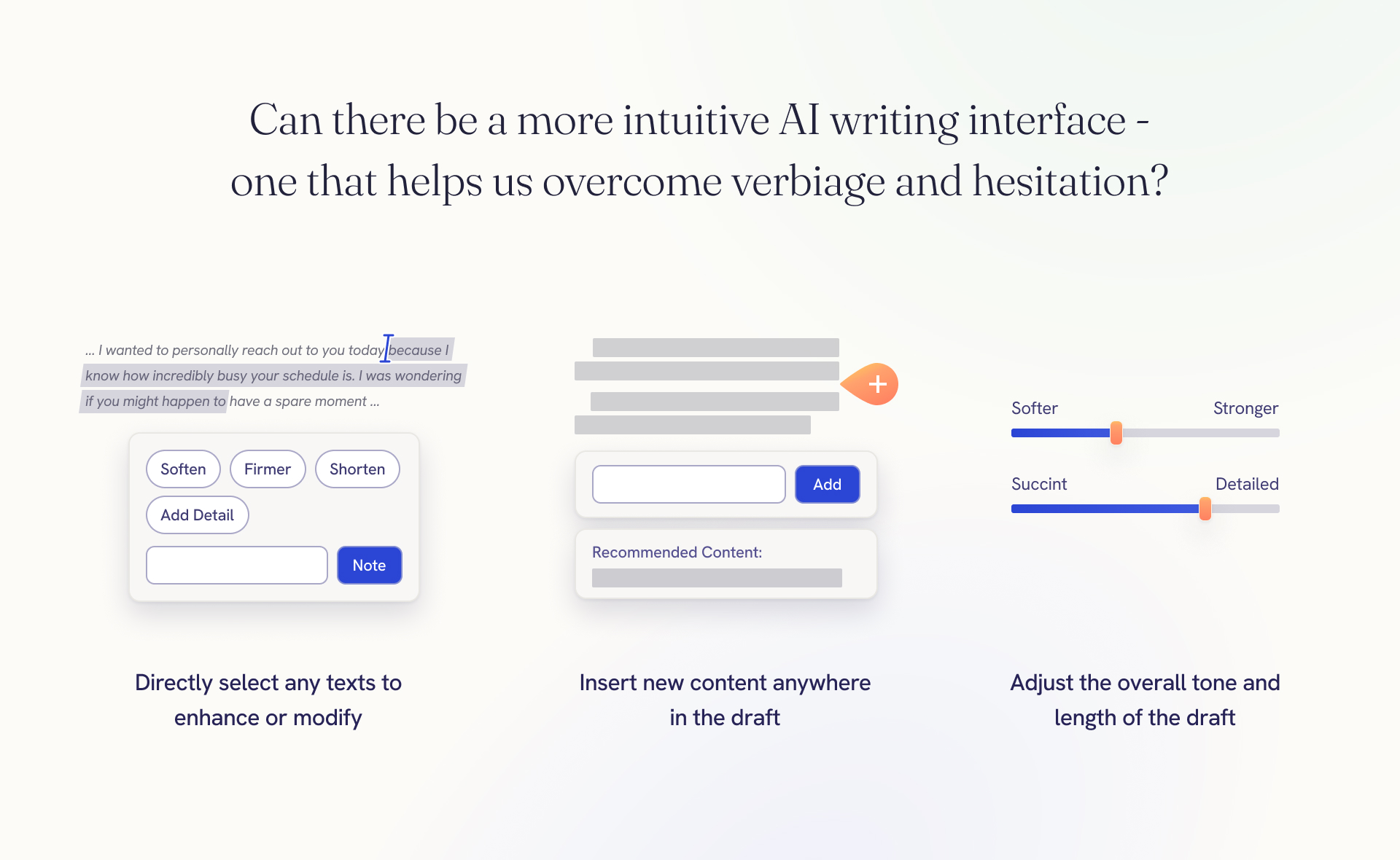
User can select any sub-text and tell Betterwords in which direction they want to wording to change. With a just little hint, Betterwords will fill the blanks and generate a story that blends nicely into the context.
To add new content or perspective, user can pick where in the draft they want to elaborate, and tell Betterwords what subject to generate.
③ Enrich the Message and Fine-tune the Overall Tone
Based on the context, Betterwords can come up with additional content and perspectives that can be added to the draft.
Betterwords also allows users to tune the message until it sounds like them. The "Tone" and "Length" sliders reshape the draft live, and the "Pros" and "Cons" auto-updates as user tune their message.
Lastly, the "Pros & Con" section directly calls out which part of your wording is working for or against your goal, and the "Feedback" panel evaluates user's latest edit and visualizes how their message might be received.
What's Next?
Once user marks a message as sent, Betterwords continues to track their progress and suggest next steps based on the context.
For example, if user haven't heard back, Betterwords helps them determine when and how to follow up. If user has heard back, they can simply paste the message for Betterwords to suggest a few response strategies.